ARA Native Mobile App
A native cross-platform mobile application for the American Retirement Association, built in 2026 with .NET MAUI. The app brings ARA's content, events, and member tools to iOS and Android through a shared codebase backed by a GraphQL API and Optimizely content delivery.
ARA members increasingly expected to access association content such as news, events, education resources, and account management on mobile devices. The existing web experience, while responsive, lacked the performance and feel expected of a native application. The brief was to build a cross-platform native app that surfaced the most critical member touchpoints without requiring separate iOS and Android codebases.
.NET MAUI Cross-Platform Architecture
The app was built with .NET MAUI, Microsoft's framework for building native iOS and Android applications from a single C# codebase. Shared business logic, navigation, and data layers are written once; platform-specific renderers handle native UI conventions. This approach significantly reduces ongoing maintenance cost compared to two separate native apps, while delivering native-quality interactions on both platforms.
GraphQL API Integration
All app data is fetched through a GraphQL API layer, giving the mobile client a typed, flexible contract with the backend without over-fetching. Queries are co-located with the UI components that consume them, making it easy to trace exactly what data each screen requires. Offline caching is handled with a normalised in-memory store, keeping frequently accessed content available without a connection.
Optimizely Content Delivery
Editorial content such as articles, event listings, and resource documents is served directly from the same Optimizely CMS that powers the ARA web properties. The mobile app consumes Optimizely's Content Delivery API via GraphQL, meaning editors manage content in a single place and it surfaces across web and mobile without duplication. Push notifications are wired to Optimizely content scheduling, alerting members when new resources or event updates are published.
App screens
These screens are captured from an early build of the app. Layout, styling, and content are still changing ahead of the 2026 launch.
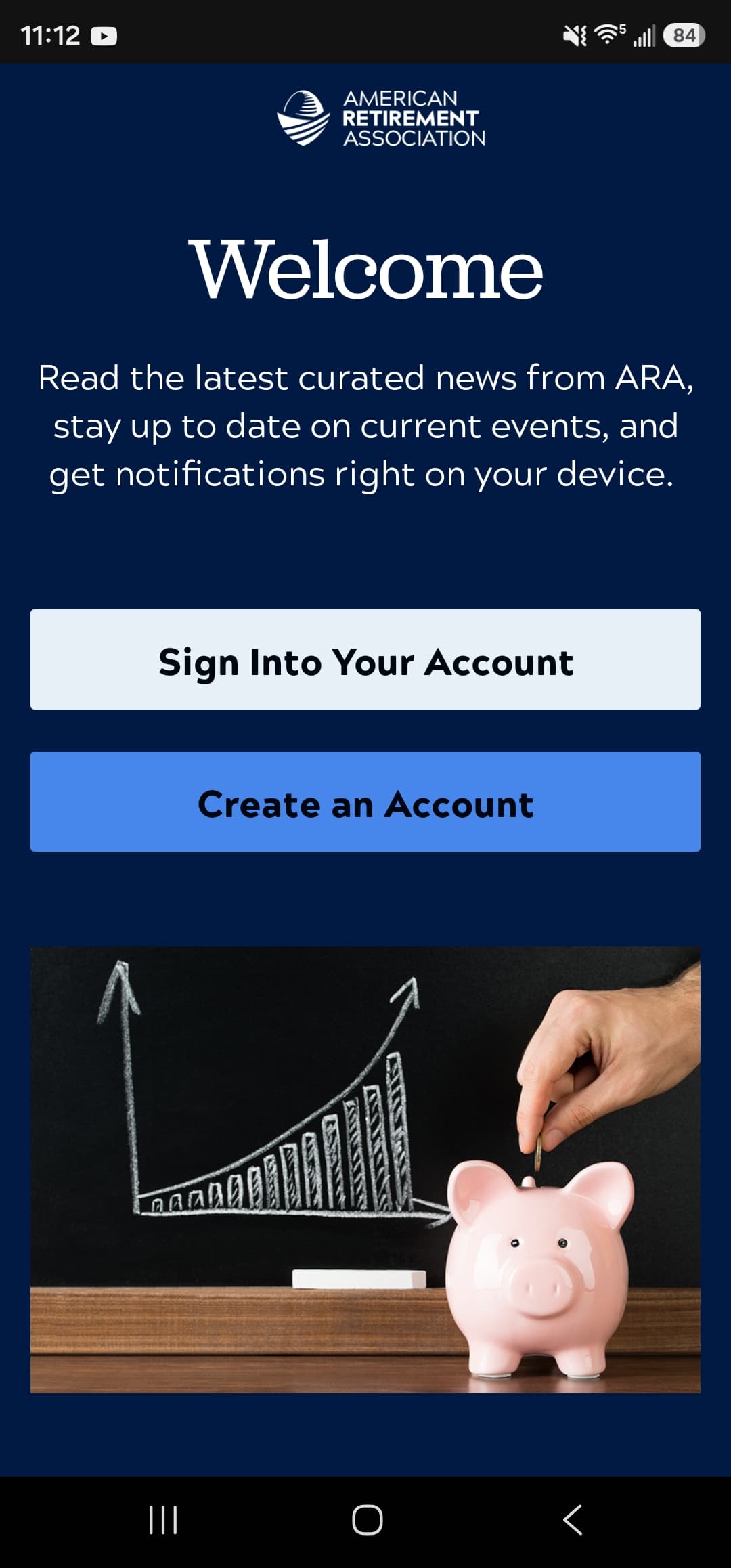
The welcome screen, where members either sign in or create an account before the app is configured. 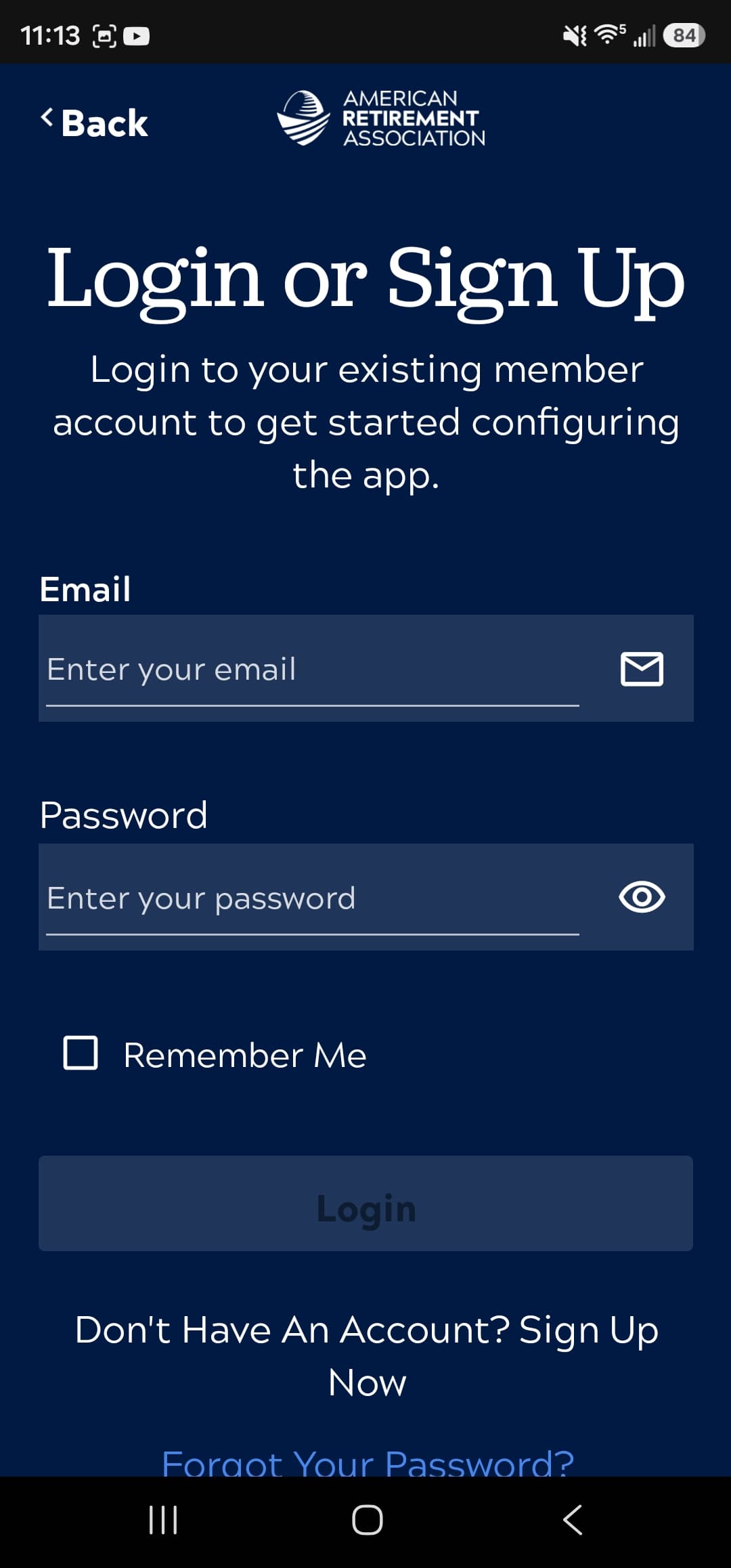
Sign-in against an existing ARA member account, with the option to stay signed in. 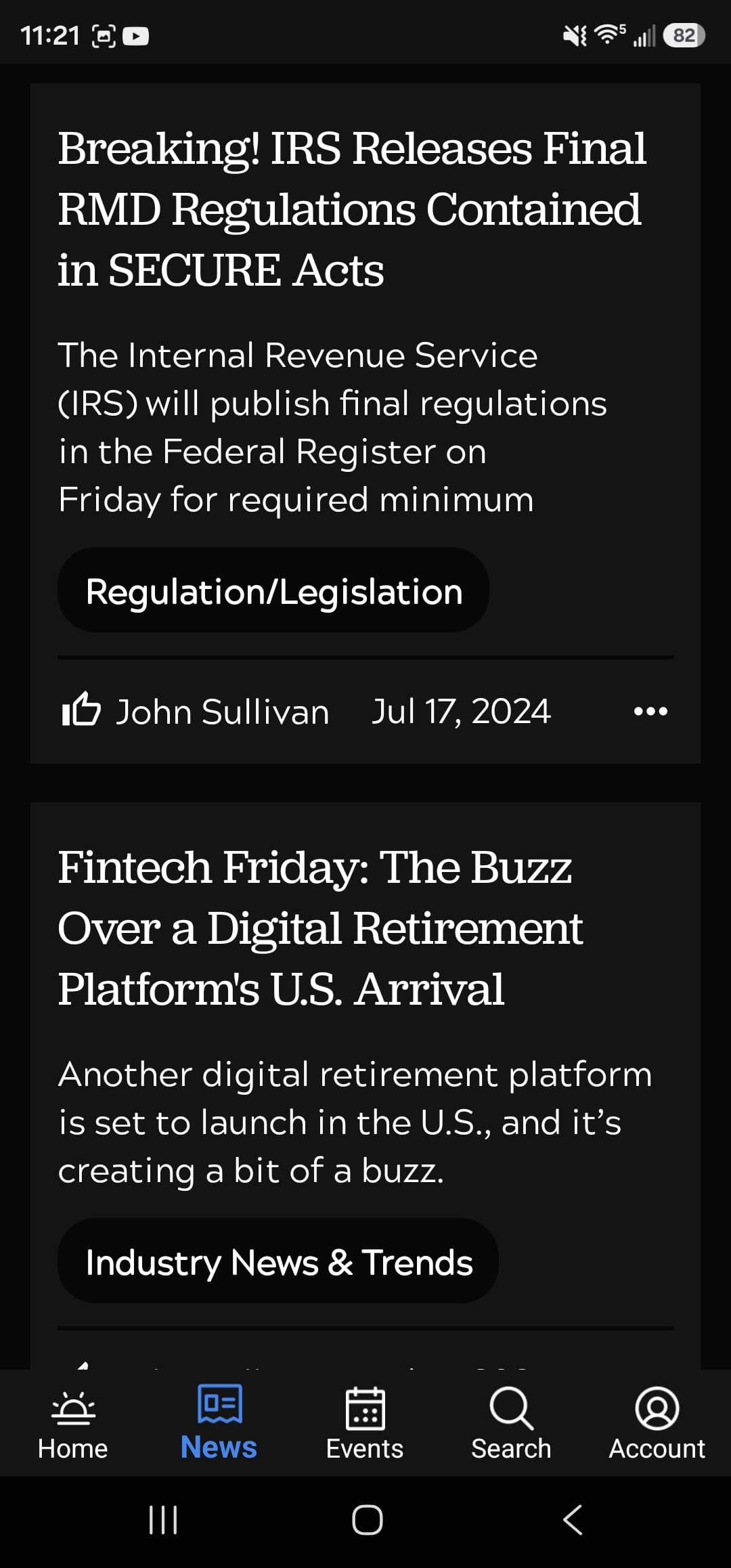
The news feed, with each article carrying its topic tag, author, and publication date. 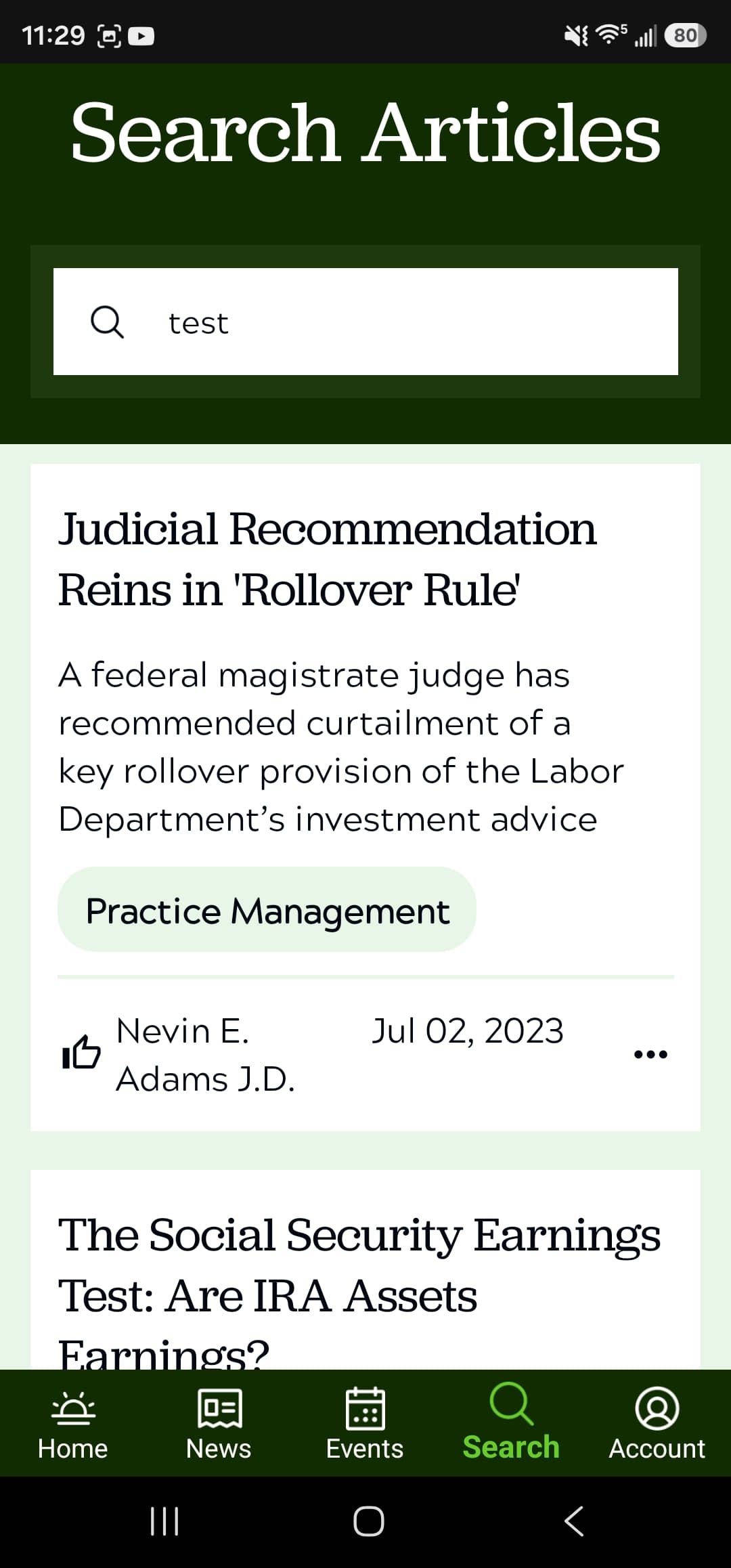
Article search across ARA's content, queried through the GraphQL layer. 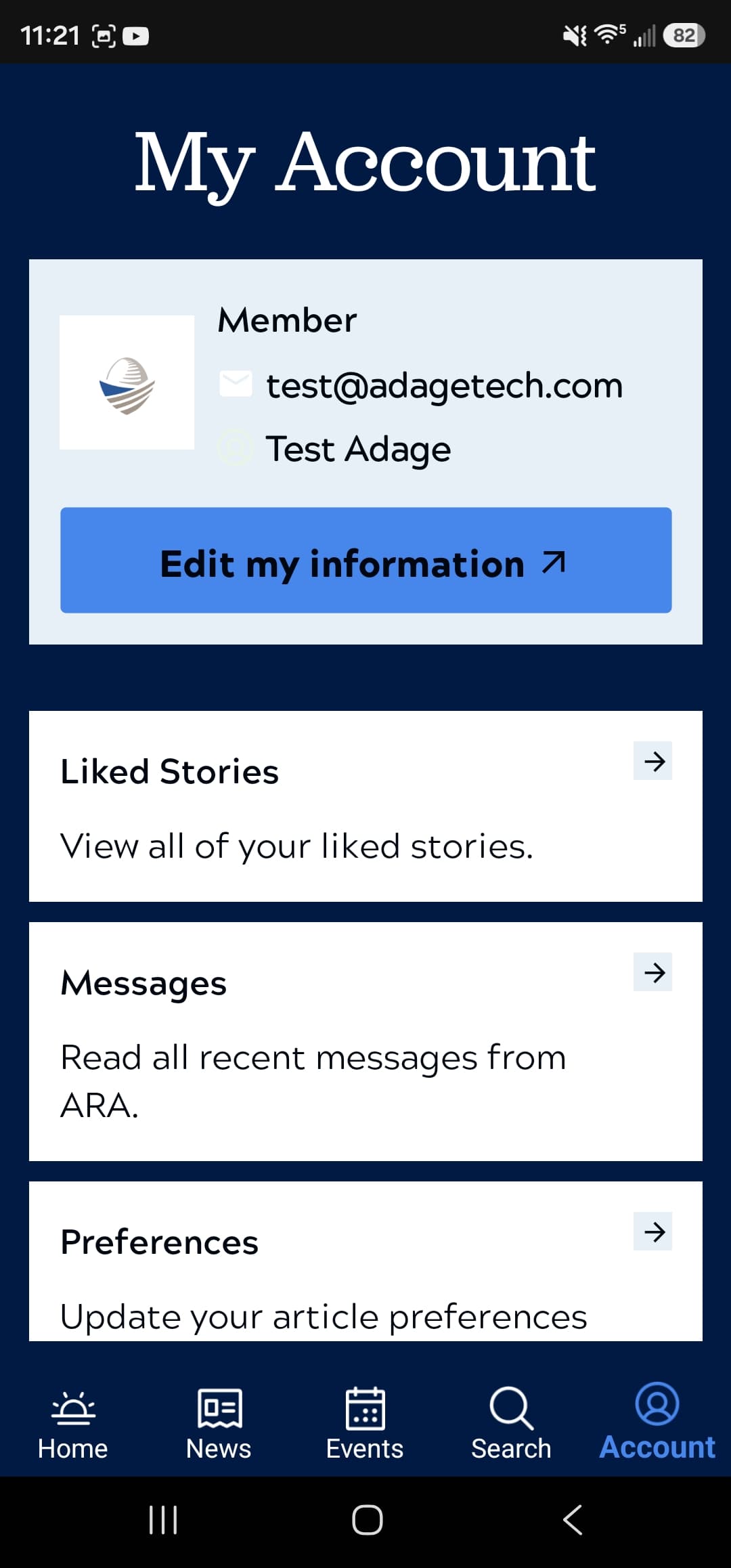
The account area, linking through to liked stories, messages, and content preferences. 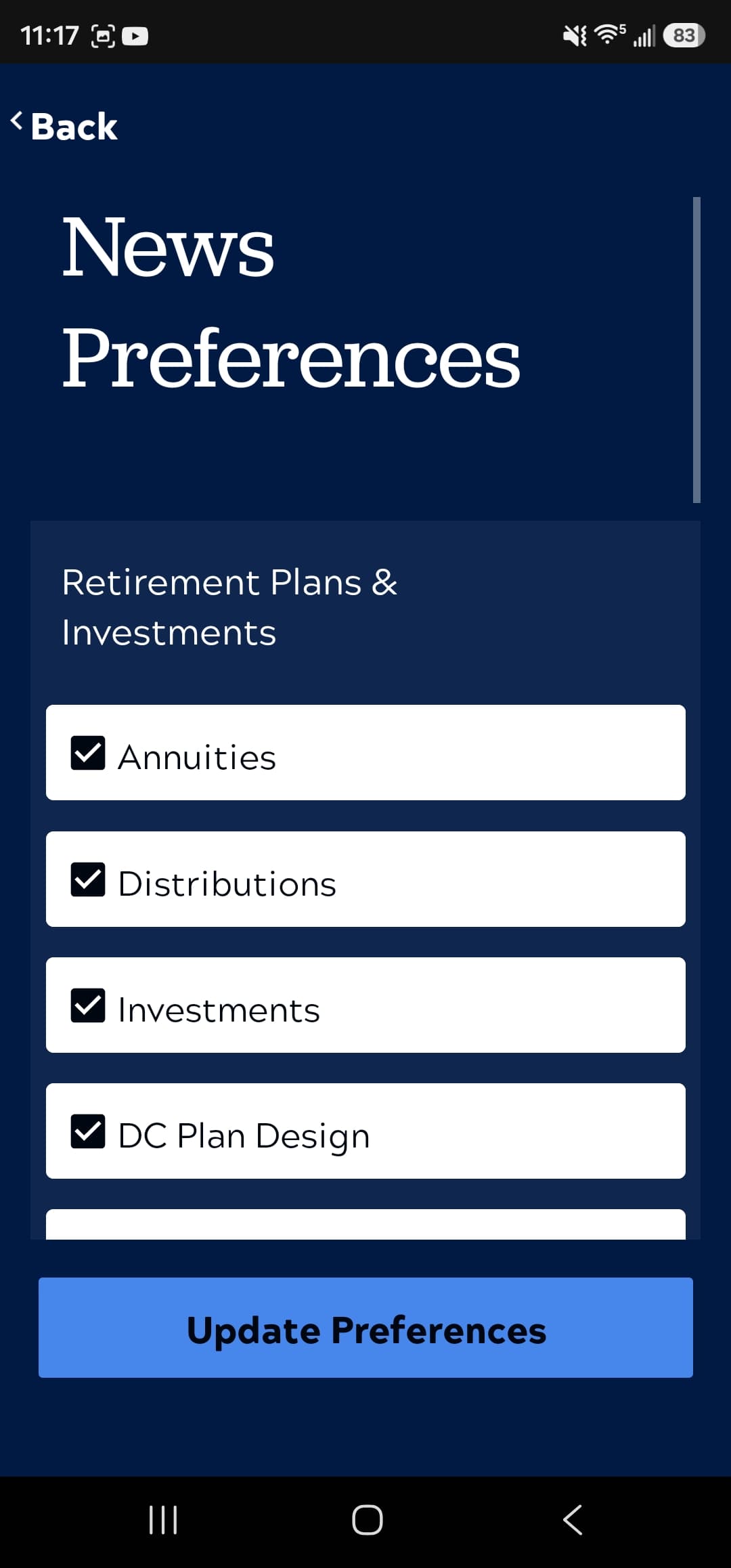
Topic preferences that decide which articles surface in a member's feed. 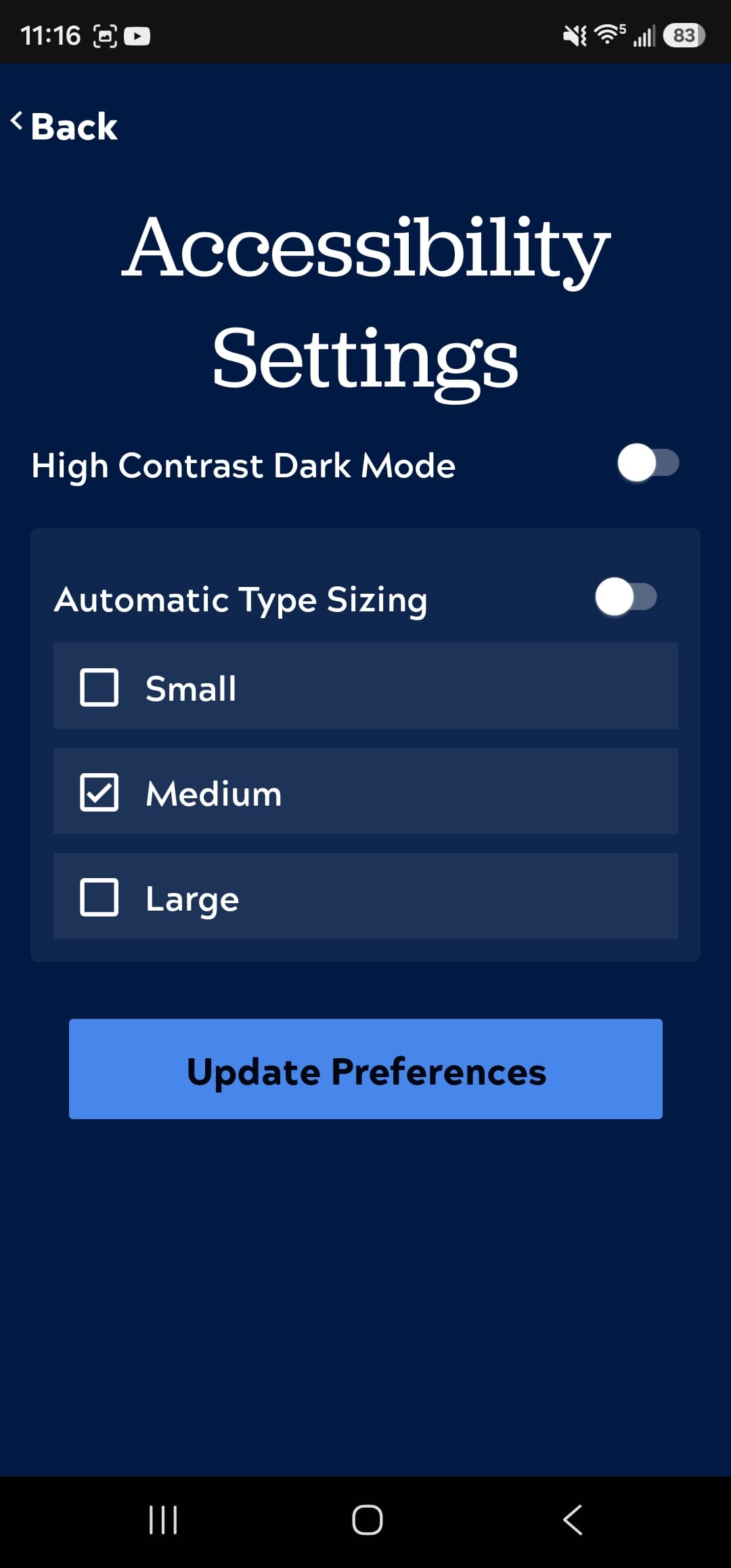
In-app accessibility settings covering high-contrast mode and type sizing.